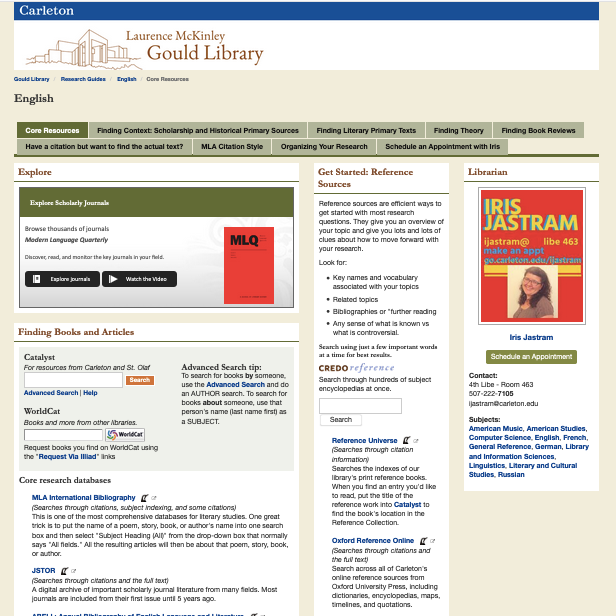
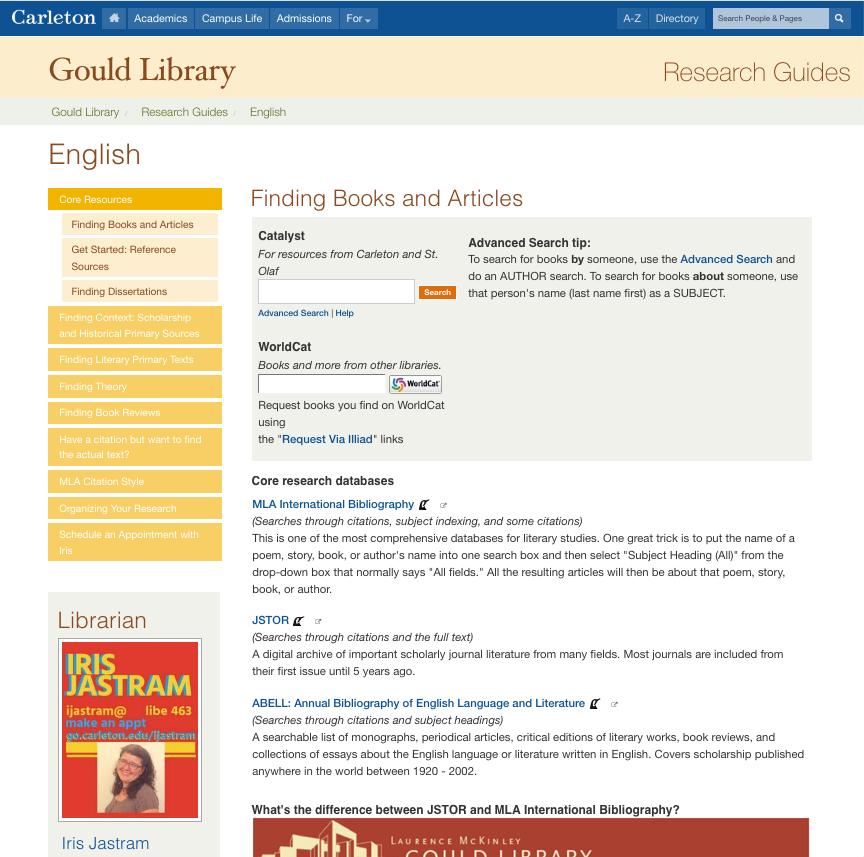
If you like to be able to re-use assets easily, you have to be pretty careful not to develop dozens and dozens of nearly identical assets in the Libguides Asset database. Otherwise it’s basically impossible to know which one is THE one you want to reuse. Plus, if a website changes, and therefore the instructions you write into a description here or there changes, it pays to be able to update that kind of thing all in once in one place rather than go through every version of the asset and see if it needs to be updated individually.
Unfortunately, the Libguides system makes it very very easy for duplicate assets to multiply like rabbits. If you copy a box or start from another guide as a template, any asset in that box or guide that you don’t own will automatically duplicate itself. And sure, there are some good reasons to have that as an option, but you don’t have an option in this case — it just happens. Plus as people make guides for last-minute classes or in the middle of working on 16 other things, mistakes happen and people make new assets when they could probably have re-used one. Life happens.
Anyway, all of this means that every summer for the last several years I’ve gone through and done a database clean-up project. I figure out which assets are possibly duplicates of each other, and then I knit the actual duplicates back together into a single “parent” asset. And every summer this means that we go from about 7-8000 assets in our system down to about 6000 assets. And every Fall term we start out with a nice clean database, and sharing is super easy, and it’s a veritable asset utopia… for about 30 seconds. But imagine what it would be like without that reset? The messier the assets get, the harder it is to reuse, and so the messier the assets get.
A few people have expressed interest in replicating or building on what I do, so here are some documents to look over if you’re interested: Our Asset clean-up process, an example of this year’s working spreadsheet, and the rules we’ve made for ourselves in a large part to keep the assets as clean as possible throughout the year. (The Local Practices rules are linked from the main editor interface in Libguides so that they’re handy whenever people are editing.)
Comments closed